Instagram carousel posts get more engagement than single images. They keep people swiping, spending more time with your content, and coming back for the next slide. But creating carousels that actually work takes more than throwing a few images together.
Instagram carousels can hold up to 10 slides and earn 1.4x more reach than single posts. Success comes from designing cohesive visuals, structuring content with a clear hook and payoff, using consistent fonts and colors, and ending with a call to action. Plan your carousel story first, then design slides that guide viewers from start to finish.
Why carousels perform better than single posts
Carousels give Instagram’s algorithm more chances to show your content. Each swipe signals engagement. The platform rewards that.
People save carousels more often because they pack multiple ideas into one post. A single image might get a like. A carousel gets saved for later reference.
Your content stays visible longer. When someone swipes through your carousel, Instagram may show it to them again if they didn’t finish. That second impression matters.
Setting up your carousel for success
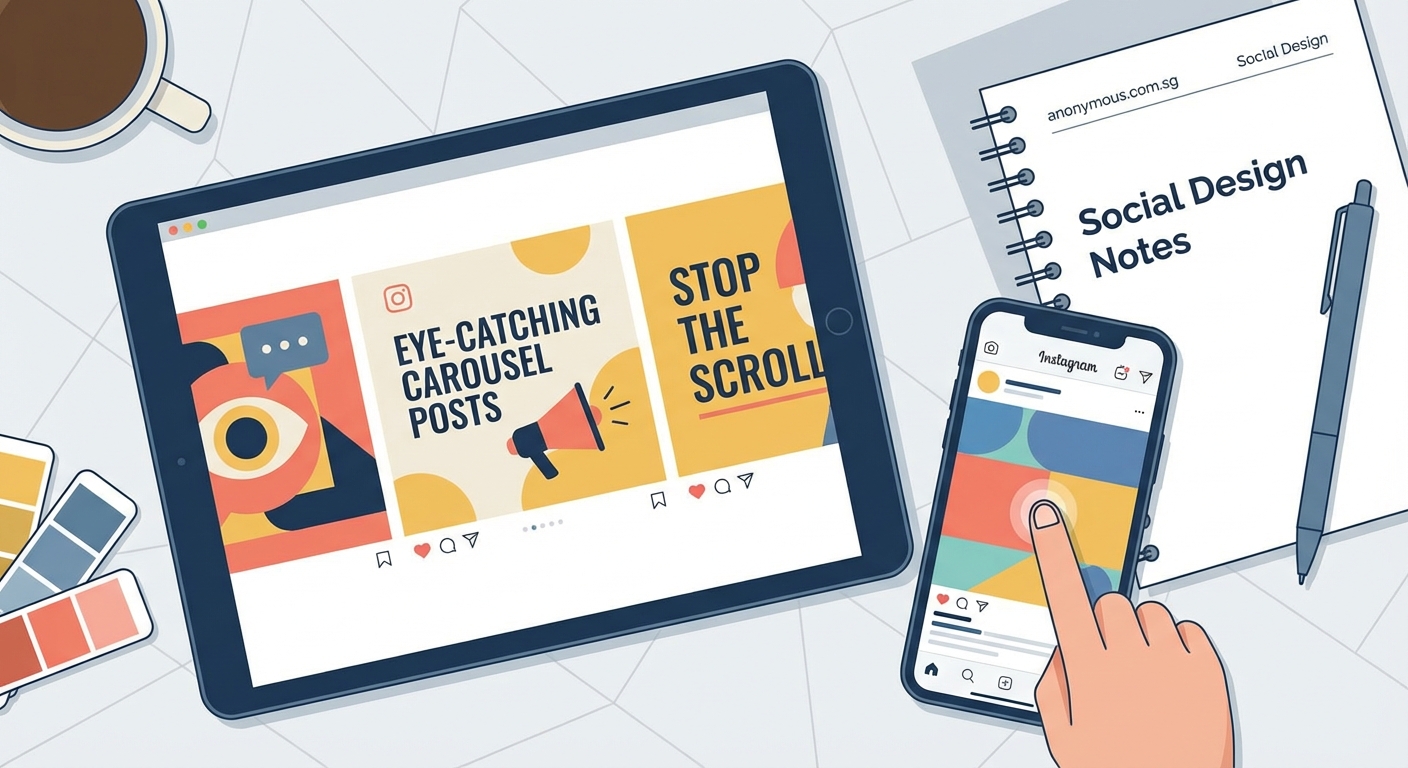
Before you open Canva or Photoshop, plan your content structure. Carousels work best when they tell a story or solve a problem across multiple slides.
Start with your topic. What’s the one thing you want someone to learn or do after viewing your carousel? Write that down.
Then break it into bite-sized pieces. Each slide should cover one idea, one tip, or one step. If you’re explaining a process, number your slides. If you’re sharing tips, use bullets or icons to differentiate each point.
Aim for 5 to 8 slides. That’s enough to provide value without losing attention. You can use up to 10, but make sure every slide earns its spot.
Designing slides that look cohesive
Visual consistency keeps people swiping. When your slides look like they belong together, viewers trust the flow and keep going.
Pick a color palette and stick to it. Use two or three main colors across all slides. This doesn’t mean every slide looks identical, but they should feel related.
Choose one or two fonts. Use one for headings and one for body text. Mixing too many fonts creates visual chaos.
Keep your layout structure similar. If your first slide has text in the top left, don’t suddenly move it to the bottom right on slide three. Consistency in placement helps readability.
Use the same dimensions for every slide. Instagram carousels work best at 1080 x 1080 pixels for square posts or 1080 x 1350 pixels for vertical. Stick to one format per carousel.
Structuring your content flow
The first slide is your hook. It needs to stop the scroll and make someone want to swipe.
Use bold text, a compelling question, or a striking visual. Tell people exactly what they’ll learn. “5 ways to double your saves” works better than “Instagram tips.”
Slides two through seven (or however many you use) deliver on that promise. Each slide should build on the last one.
The final slide is your call to action. Tell people what to do next. Follow your account, save the post, tag a friend, or visit a link in your bio.
“The best carousels feel like a mini course. Each slide teaches something new, and by the end, the viewer feels smarter and more capable.”
Creating your carousel step by step
Here’s how to build a carousel from scratch.
- Write your content first. Don’t design until you know exactly what each slide will say. Outline your hook, your main points, and your call to action.
- Choose your design tool. Canva has free carousel templates. Adobe Express works too. Figma gives you more control if you’re comfortable with design software.
- Set up your template. Create a frame for each slide with the same dimensions. Add placeholder text boxes so you can keep layouts consistent.
- Design your cover slide. This is the most important visual. Use large, readable text and a clear benefit statement.
- Fill in your content slides. Keep text minimal. Use visuals, icons, or graphics to support each point.
- Add your call to action slide. Make it visually distinct so people know they’ve reached the end.
- Export your slides in order. Save them as individual images or as a PDF, depending on your tool.
- Upload to Instagram. Select multiple images when creating a post, then arrange them in the correct order.
Common mistakes and how to avoid them
| Mistake | Why it hurts | How to fix it |
|---|---|---|
| Too much text per slide | People won’t read it | Limit each slide to one headline and 1-2 sentences |
| Inconsistent fonts or colors | Looks unprofessional | Create a brand kit and reuse the same elements |
| Weak first slide | No one swipes | Use bold headlines and clear benefits |
| No call to action | Missed opportunity | Always end with a next step |
| Random slide order | Confuses viewers | Plan your flow before designing |
Content ideas that work for carousels
Not sure what to create? Here are formats that perform well.
Step-by-step tutorials: Break a process into individual steps. Each slide shows one action. Great for recipes, DIY projects, or software walkthroughs.
Before and after transformations: Show the problem on slide one, the solution on the last slide, and the steps in between.
Myth busting: Start with a common misconception, then use each slide to explain why it’s wrong and what’s actually true.
Listicles: Share 5 tools, 7 tips, or 10 resources. Each slide covers one item with a short explanation.
Data visualizations: Turn statistics or survey results into individual slides. Each slide highlights one data point with a simple chart or graphic.
Story-driven content: Share a personal experience or case study. Use slides to build narrative tension and resolution.
Typography tips for readable carousels
Your text needs to be readable on a phone screen. Most people view Instagram on mobile, so design for small displays.
Use font sizes of at least 60 points for headlines. Body text should be at least 30 points. Test your design by viewing it at actual size on your phone before posting.
Keep line length short. Long lines of text are hard to read on small screens. Aim for 5 to 8 words per line.
Use high contrast between text and background. Black text on white backgrounds works. So does white text on dark backgrounds. Avoid low-contrast combinations like gray on light blue.
Align text to the left or center. Justified text creates uneven spacing that’s harder to read on screens.
Using visuals and graphics effectively
Photos and illustrations make your carousel more engaging, but they need purpose.
Don’t use stock photos just to fill space. Every image should support your message. If you’re explaining a concept, use a diagram. If you’re sharing a tip, show an example.
Icons help break up text and guide the eye. Use them consistently. If you use a checkmark icon for tips on slide two, use the same style on slide five.
Leave breathing room. Don’t fill every pixel with content. White space (or negative space) makes your slides easier to scan and less overwhelming.
Use arrows or numbers to show progression. If your carousel has a sequence, visual cues help people follow along.
Optimizing your caption and hashtags
Your carousel design is only part of the equation. The caption and hashtags determine who sees your post.
Write a caption that expands on your carousel content. Don’t just repeat what’s in the slides. Add context, share a personal story, or ask a question.
Front-load your caption with the most important information. Instagram truncates captions after a few lines, so hook readers early.
Use 5 to 10 relevant hashtags. Too many looks spammy. Too few limits your reach. Mix popular hashtags with niche ones to reach both broad and targeted audiences.
Tag collaborators or brands if relevant. This can expand your reach when they engage with or share your post.
Testing and improving your carousels
Not every carousel will be a hit. That’s normal. The key is learning what works for your audience.
Check your Instagram Insights after posting. Look at reach, saves, and shares. Carousels with high save rates indicate valuable content people want to reference later.
Pay attention to which slides people drop off. Instagram shows you how many people viewed each slide. If most people stop at slide three, your content might be losing momentum.
Test different hooks. Try question-based first slides versus benefit-driven ones. See which gets more swipes.
Experiment with slide count. Sometimes five slides perform better than eight. Your audience will tell you through their behavior.
Ask for feedback. Use Instagram Stories to poll your followers about what carousel topics they want to see next.
Tools and resources for carousel creation
You don’t need expensive software to create professional carousels.
Canva offers free carousel templates and a drag-and-drop interface. The pro version adds more fonts and graphics.
Adobe Express provides similar functionality with Adobe’s design ecosystem integration.
Figma works well if you want more design control and plan to create templates you’ll reuse.
Keynote or PowerPoint can export slides as images. Not traditional design tools, but they work if you’re comfortable with presentation software.
For color palettes, try Coolors or Adobe Color. Both generate harmonious color schemes you can apply to your designs.
For fonts, Google Fonts offers hundreds of free options. Pair a bold sans-serif for headlines with a clean sans-serif for body text.
Posting strategy for maximum reach
Timing matters. Post when your audience is most active. Check your Instagram Insights to see when your followers are online.
Post carousels consistently. If your audience expects valuable carousel content every Tuesday, deliver on that expectation.
Promote your carousel in Stories. Share the first slide with a “swipe to see more” sticker that links to your feed post.
Engage with comments immediately. Instagram prioritizes posts with early engagement, so respond to comments within the first hour.
Consider reposting high-performing carousels after a few months. Your audience grows, and new followers haven’t seen your best content.
Making carousels work for your goals
Different goals require different carousel approaches.
If you want more followers, end with a clear follow call to action and deliver exceptional value that makes people want more.
If you want to drive traffic, mention your link in bio on the last slide and in your caption. Make the payoff worth the click.
If you want to build authority, share original insights or data. Teach something people can’t easily find elsewhere.
If you want to increase engagement, ask questions throughout your carousel and prompt discussion in the caption.
Your next carousel starts now
You have the structure, the design principles, and the content ideas. The difference between knowing how to create Instagram carousel posts and actually growing your engagement is taking action.
Start small. Pick one topic you know well. Outline five slides. Design them with consistent colors and fonts. Post it and see what happens.
Your first carousel won’t be perfect. That’s fine. Each one you create will be better than the last. Your audience will grow as you refine your approach and deliver value they can’t get anywhere else.
Open your design tool and create that first slide. The rest will follow.
