You just paid someone to design a logo. It looks great. You slap it on your website, print some business cards, and call it a day.
Three months later, your Instagram posts look nothing like your website. Your email signature uses different colors than your flyers. Customers can’t tell if they’re looking at the same business.
That’s the logo-only trap.
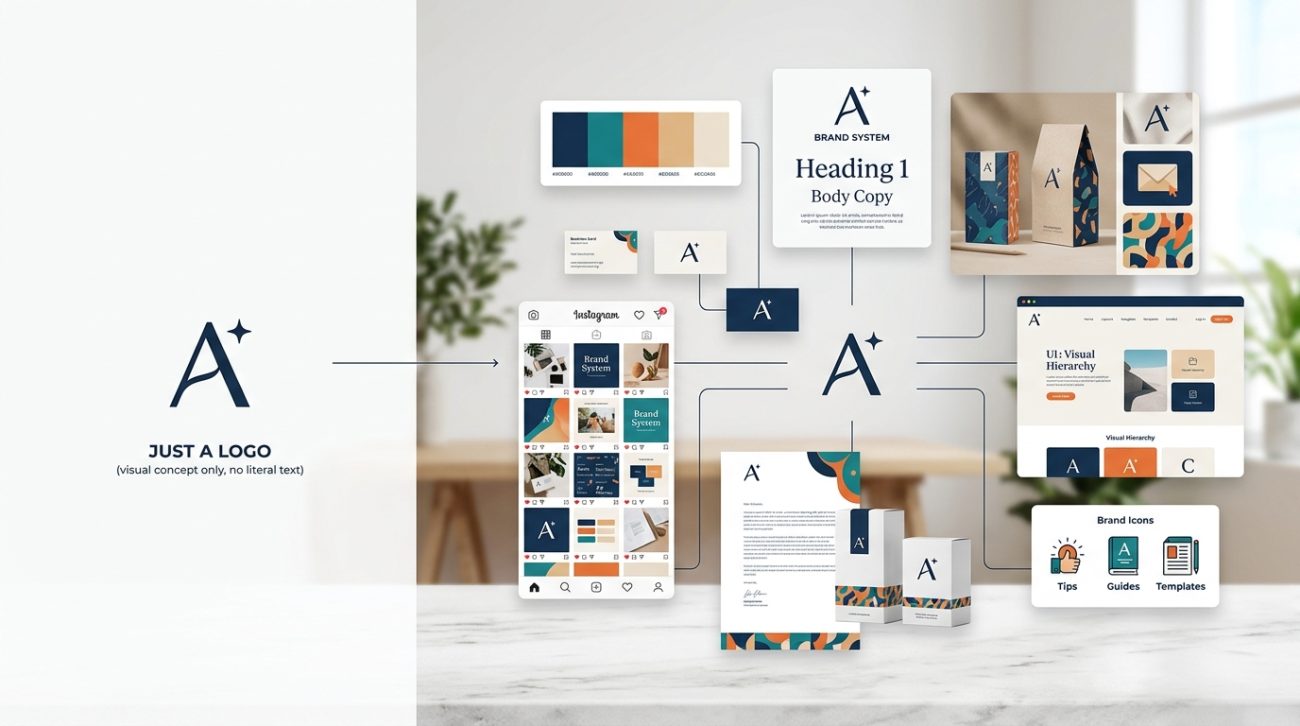
A small business brand identity system includes your logo, color palette, typography, imagery style, and usage rules. Unlike a standalone logo, a complete system ensures visual consistency across every customer touchpoint, builds recognition faster, and makes daily design decisions easier. This guide shows you exactly what to include and how to implement it without hiring an agency.
What a brand identity system actually includes
A logo is one piece. A system is the whole puzzle.
Here’s what belongs in a complete small business brand identity system:
- Primary and secondary logos (full version, icon-only, black and white)
- Color palette with exact codes for print and digital
- Typography hierarchy (headings, body text, captions)
- Imagery guidelines (photography style, illustration approach, graphic elements)
- Spacing and layout rules (logo clearance, alignment, grid systems)
- Voice and tone standards (how you write, not just how you look)
Most small businesses stop after the first item. That creates problems fast.
When you have a system, you’re not reinventing your brand every time you post on social media or print a flyer. You have a reference point. You make decisions faster. Your brand looks intentional, not accidental.
Why your logo alone isn’t enough
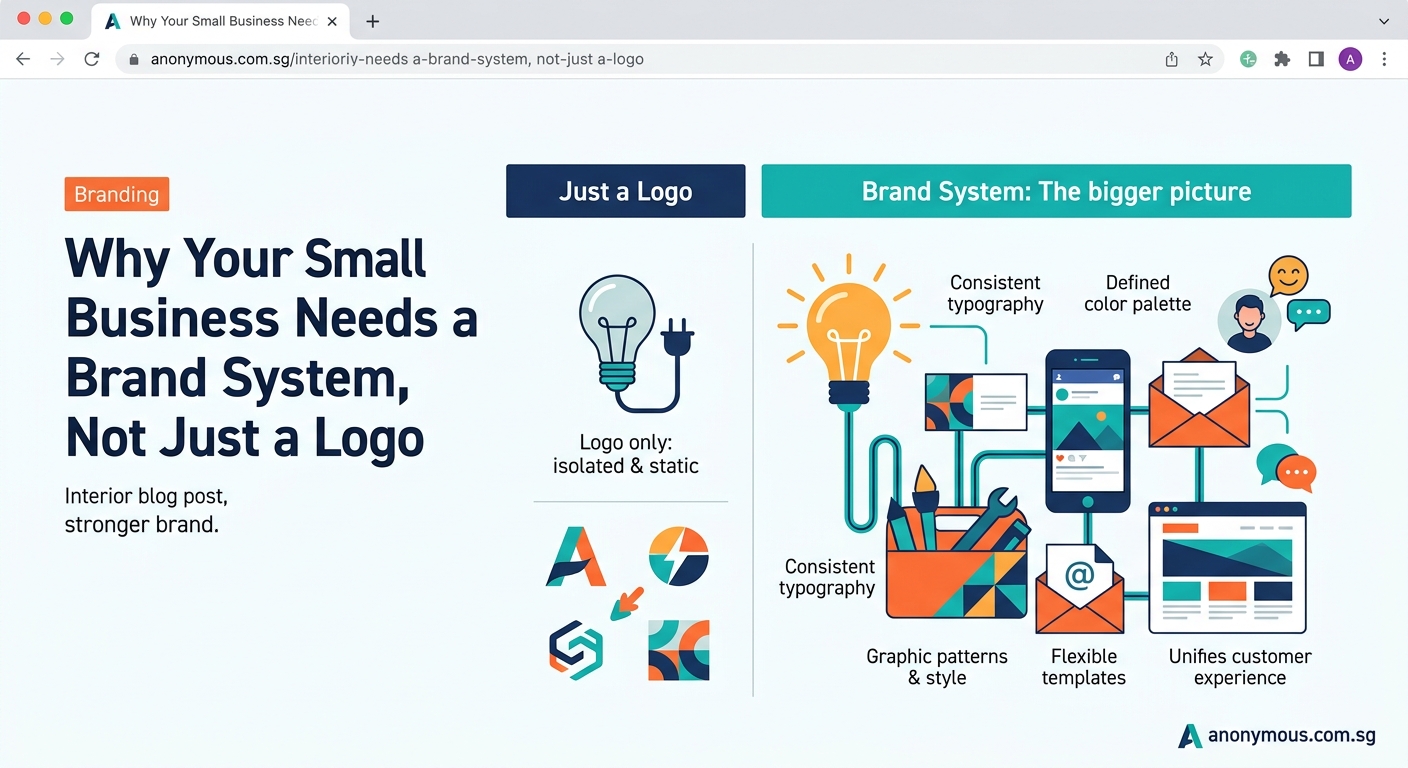
A logo identifies you. A system makes you recognizable.
Think about the last time you scrolled Instagram. You probably recognized certain brands before reading their names. That’s not magic. That’s a consistent visual system doing its job.
Here’s what happens when you only have a logo:
| What you’re missing | What it costs you |
|---|---|
| Defined color palette | Every designer or printer guesses different shades |
| Typography rules | Your website, social posts, and print materials all look unrelated |
| Image style guide | Stock photos clash with your brand personality |
| Usage guidelines | Your logo gets stretched, recolored, or placed on busy backgrounds |
| Layout templates | You start from scratch every single time |
Each inconsistency chips away at recognition. Customers need to see your brand seven times before they remember it. If it looks different each time, you’re starting that count over.
A brand audit checklist can help you spot these gaps before they damage your credibility.
The real cost of inconsistent branding
Let’s get specific about what inconsistency actually costs.
You waste time. Every social post becomes a design project. Every email signature requires debate. Every flyer means choosing fonts and colors from scratch.
You waste money. You print materials, then realize the colors don’t match your website. You hire designers who deliver work that doesn’t feel like your brand. You redo things that should have been right the first time.
You confuse customers. They see your Instagram and think it’s a different business than your website. They don’t recognize your booth at a trade show. They scroll past your content because nothing triggers that “oh, I know them” response.
“Brand consistency increases revenue by 33% on average. But most small businesses don’t have the systems in place to maintain it.” (Source: Lucidpress Brand Consistency Report)
The solution isn’t working harder. It’s building the system once so everything else gets easier.
Building your system in four practical steps
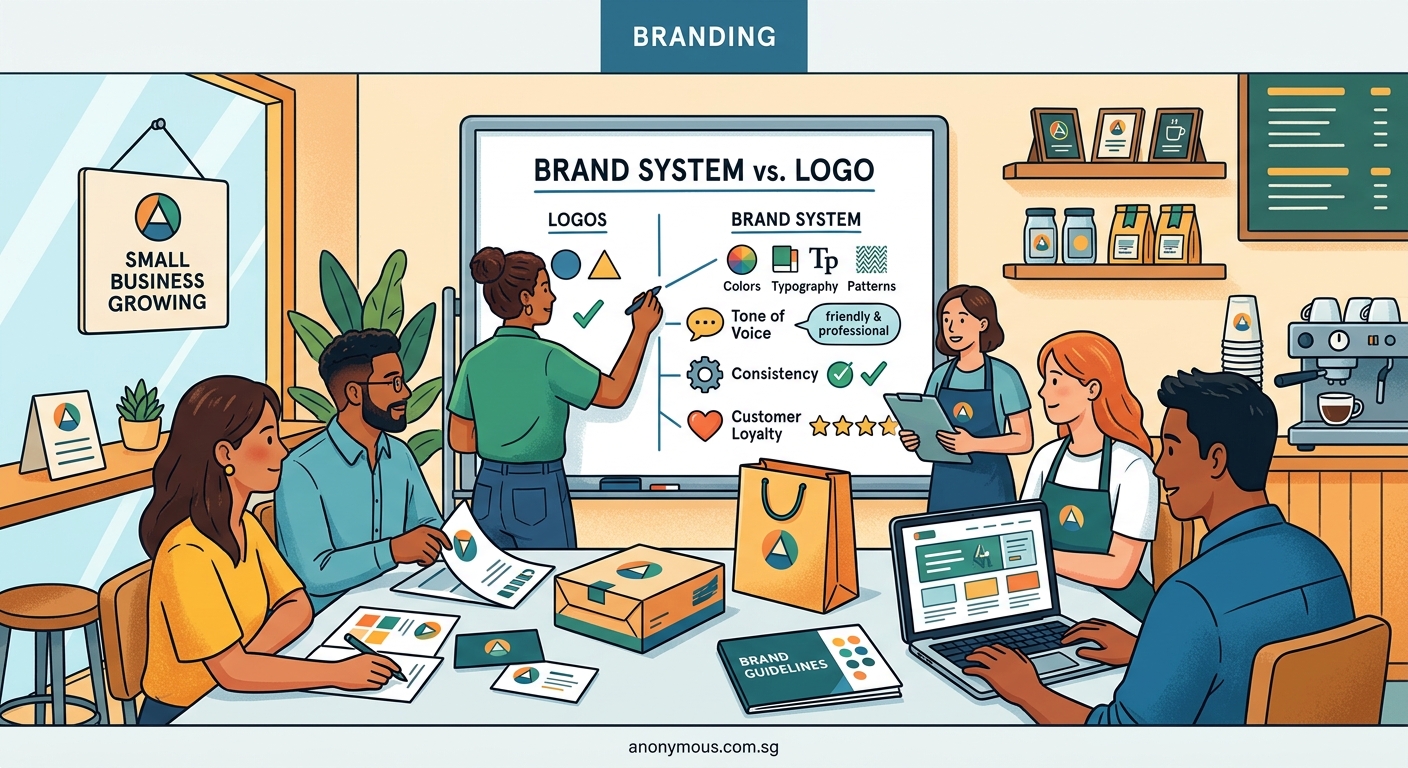
You don’t need an agency or a massive budget. You need clarity and documentation.
1. Audit what you already have
Gather every piece of branded material you’ve created. Website screenshots, social posts, business cards, email templates, presentation decks.
Lay them out side by side. Ask yourself:
- Do these look like they belong to the same business?
- Are colors consistent or all over the place?
- Do fonts match or change randomly?
- Does imagery feel cohesive or scattered?
Write down what’s working and what’s causing chaos. This becomes your starting point.
2. Define your core visual elements
Start with the fundamentals that appear everywhere.
Colors: Pick three to five colors maximum. Get the exact hex codes for digital and CMYK values for print. Name them (primary, secondary, accent) so everyone uses the same language. Learning how to choose brand colors that actually convert customers helps you make strategic choices instead of just picking what looks pretty.
Typography: Choose one font family for headings and one for body text. Define sizes for H1, H2, H3, body copy, and captions. If you’re struggling with pairings, choosing the perfect font pairing for your logo design applies to your whole system too.
Logo variations: You need versions for different contexts. Full horizontal logo. Stacked vertical logo. Icon-only version. Black, white, and full-color options.
Imagery style: Decide if you use photos or illustrations. Bright and airy or dark and moody. Candid or staged. People-focused or product-focused. Write it down so you’re not making this decision every single time.
3. Create usage rules that prevent mistakes
Rules sound boring. But they save you from fixing disasters later.
Document these specifics:
- Minimum logo size (so it stays legible)
- Clear space around your logo (so it doesn’t get crowded)
- Acceptable and unacceptable logo treatments (no stretching, no ugly backgrounds, no weird effects)
- Color combinations that work together
- Font sizes that maintain hierarchy
These rules aren’t about being rigid. They’re about making sure your brand looks professional even when you’re rushing or someone else is handling the design work.
Common mistakes to avoid while building these rules:
- Making your system so complicated that nobody follows it
- Creating rules without explaining why they matter
- Forgetting to show examples of right and wrong usage
- Skipping the “what if” scenarios (What if the logo needs to go on a dark photo? What if we only have one color available?)
4. Document everything in one accessible place
Your system is worthless if people can’t find it or use it.
Create a simple brand style guide. This doesn’t need to be fancy. It needs to be clear and accessible. A PDF works. A Google Doc works. A Notion page works. Whatever format your team will actually open and reference.
Include:
- Logo files (with download links to high-resolution versions)
- Color codes (hex, RGB, CMYK)
- Font names and where to download them
- Image style examples
- Do’s and don’ts with visual examples
- Templates for common materials (social posts, presentations, one-pagers)
If you’re ready to formalize this, building a brand style guide that actually gets used walks through creating documentation people will reference instead of ignore.
Making your system work across different platforms
Your brand needs to flex without breaking.
What works on a billboard won’t work on a mobile screen. What prints beautifully might look terrible on a projector. Your system needs to account for this.
Social media: Your logo might be too detailed for a tiny profile picture. That’s why you need an icon version. Your color palette might need adjustment for accessibility on different backgrounds.
Print materials: Colors shift between screen and paper. Get physical samples printed before you order 500 business cards. Understanding why your color choices look different on screen vs print prevents expensive reprints.
Website and digital: Make sure your fonts load properly. Test your colors for contrast and readability. Verify your logo looks sharp on retina displays.
Packaging and products: If you put your brand on physical items, test how it looks at actual size. A logo that’s gorgeous on screen might be illegible when embroidered on a hat.
Build flexibility into your system from the start. That means having multiple logo orientations, color alternatives for different backgrounds, and scaled typography that works from business cards to banners.
Common mistakes small businesses make with brand systems
Let’s talk about what usually goes wrong.
Mistake 1: Copying what big brands do
You’re not Nike. You don’t need a 200-page brand manual. You need something simple that you’ll actually use. Start small. Add complexity only when you need it.
Mistake 2: Making it too restrictive
If your system is so rigid that creating anything feels like solving a puzzle, people will ignore it. Leave room for creativity within your guidelines.
Mistake 3: Never updating it
Your business evolves. Your system should too. Review it every year. Add new templates as you need them. Adjust rules that aren’t working.
Mistake 4: Treating it like a one-time project
A brand system is a living tool. You’ll use it daily. It should make your life easier, not sit in a folder gathering digital dust.
Mistake 5: Skipping the “why” behind decisions
When you document your system, explain the reasoning. “We use this blue because it conveys trust” helps people make better decisions than “always use #0066CC” without context.
Avoiding logo design mistakes that make your brand look unprofessional applies to your whole system too.
Tools and resources you can use right now
You don’t need expensive software to build and maintain your system.
For color palettes:
– Coolors (generates harmonious color schemes)
– Adobe Color (creates palettes and checks accessibility)
– Your brand colors as saved swatches in Canva or whatever design tool you use
For typography:
– Google Fonts (free, web-friendly fonts)
– Font pairing tools like FontJoy or Typewolf
– A simple hierarchy chart showing your H1, H2, body sizes
For documentation:
– Canva (create a visual brand guide)
– Google Docs (simple, shareable, searchable)
– Notion (if you want something more interactive)
For templates:
– Canva templates customized with your brand
– PowerPoint or Keynote master slides
– Figma components if you’re designing digital products
The tool matters less than actually using it. Pick what fits your workflow and stick with it.
When to invest in professional help
Sometimes DIY makes sense. Sometimes it doesn’t.
Consider hiring a professional if:
- You’re rebranding an established business with existing customers
- Your visual identity directly impacts sales (retail, hospitality, creative services)
- You’ve tried building a system yourself and it’s not working
- You need to move fast and don’t have time to learn design principles
- Your team can’t agree on visual direction and needs an outside expert
You can also take a hybrid approach. Hire a designer to create your core elements (logo, colors, fonts), then build the rest of your system yourself using those foundations.
Implementing your system without overwhelming your team
You built the system. Now people need to actually use it.
Start with high-impact, high-frequency materials. Don’t try to update everything at once. Focus on what customers see most: your website homepage, social media profiles, email signatures, and primary marketing materials.
Create templates for repetitive tasks. Social media posts, presentations, one-pagers. Set these up once with your brand system baked in. Now creating new materials takes minutes instead of hours.
Train your team (or yourself) on the basics. A 15-minute walkthrough of where to find assets and how to use them prevents most mistakes. Record a screen-share video if you need to reference it later.
Make it easy to do the right thing. Put your logo files, fonts, and color codes somewhere obvious. The harder it is to find the right assets, the more likely someone will just wing it.
Review and adjust based on real usage. After a month, check what’s working. Are people following the guidelines? Are there gaps you didn’t anticipate? Update your system based on actual needs, not theoretical ones.
Your system as a business asset
Here’s something most small business owners miss: a solid brand identity system has real financial value.
If you ever sell your business, a documented, consistent brand increases its worth. Buyers pay more for businesses with strong brand recognition.
If you bring on partners or investors, a professional brand system signals that you run a serious operation.
If you hire employees or contractors, onboarding gets faster when they can reference clear brand guidelines instead of guessing.
Your system isn’t just about looking good. It’s about building an asset that makes your business more valuable and easier to scale.
Understanding what makes a brand memorable helps you build recognition that compounds over time.
Growing your system as your business grows
Your first version won’t be perfect. That’s fine.
Start with the essentials:
1. Logo variations
2. Color palette
3. Two font choices
4. Basic usage rules
Add layers as you need them:
– Social media templates when you start posting regularly
– Print guidelines when you order your first batch of materials
– Presentation templates when you start pitching clients
– Packaging standards when you launch physical products
Your system should grow with you, not constrain you. Think of it as scaffolding that supports your brand as it expands, not a cage that limits what you can do.
Designing a flexible brand system that grows with your business covers how to build in that scalability from day one.
Making consistency a habit, not a chore
The best brand system is one you actually use.
Set up your workflow so using the system is the path of least resistance. Save your brand colors in your design tools. Install your fonts on all your devices. Bookmark your brand guide. Pin your template folder.
Check your branded materials monthly. Are you drifting from your guidelines? Tighten things up before inconsistency becomes your new normal.
Celebrate when your system works. Notice when someone recognizes your brand instantly. Pay attention when creating a new marketing piece takes half the time it used to. Those wins prove your system is doing its job.
Your small business brand identity system isn’t about perfection. It’s about consistency. It’s about making sure that every time someone encounters your business, they get the same professional impression.
Build it once. Use it everywhere. Watch recognition grow.
