Your logo needs to work at 16 pixels and 16 feet. That’s the reality of modern branding. One day it’s a tiny app icon on someone’s phone. The next, it’s printed on a billboard beside the highway. If your logo falls apart when you shrink it down or blow it up, you’ve got a problem that will cost you time, money, and brand recognition.
A scalable logo maintains clarity and recognition at any size by using simple shapes, readable typography, and vector formats. Test your design at extreme sizes, create simplified versions for small applications, and ensure every element serves a purpose. Your logo should work perfectly as a 16px favicon and a 16-foot billboard without losing its identity or impact.
Why scalability makes or breaks your brand identity
Most logos look great at the size they’re designed. The trouble starts when real-world applications demand flexibility.
A logo that works beautifully on your website header might turn into an unreadable blob when someone sees it as a social media profile picture. That gorgeous detail you spent hours perfecting? It disappears completely at small sizes.
The opposite problem happens too. A logo that looks fine on a business card can feel empty and poorly balanced when scaled up for a trade show banner or storefront sign.
Scalability isn’t about making one version of your logo work everywhere. It’s about designing a logo system that adapts intelligently across contexts while maintaining brand consistency.
Start with vector graphics, always
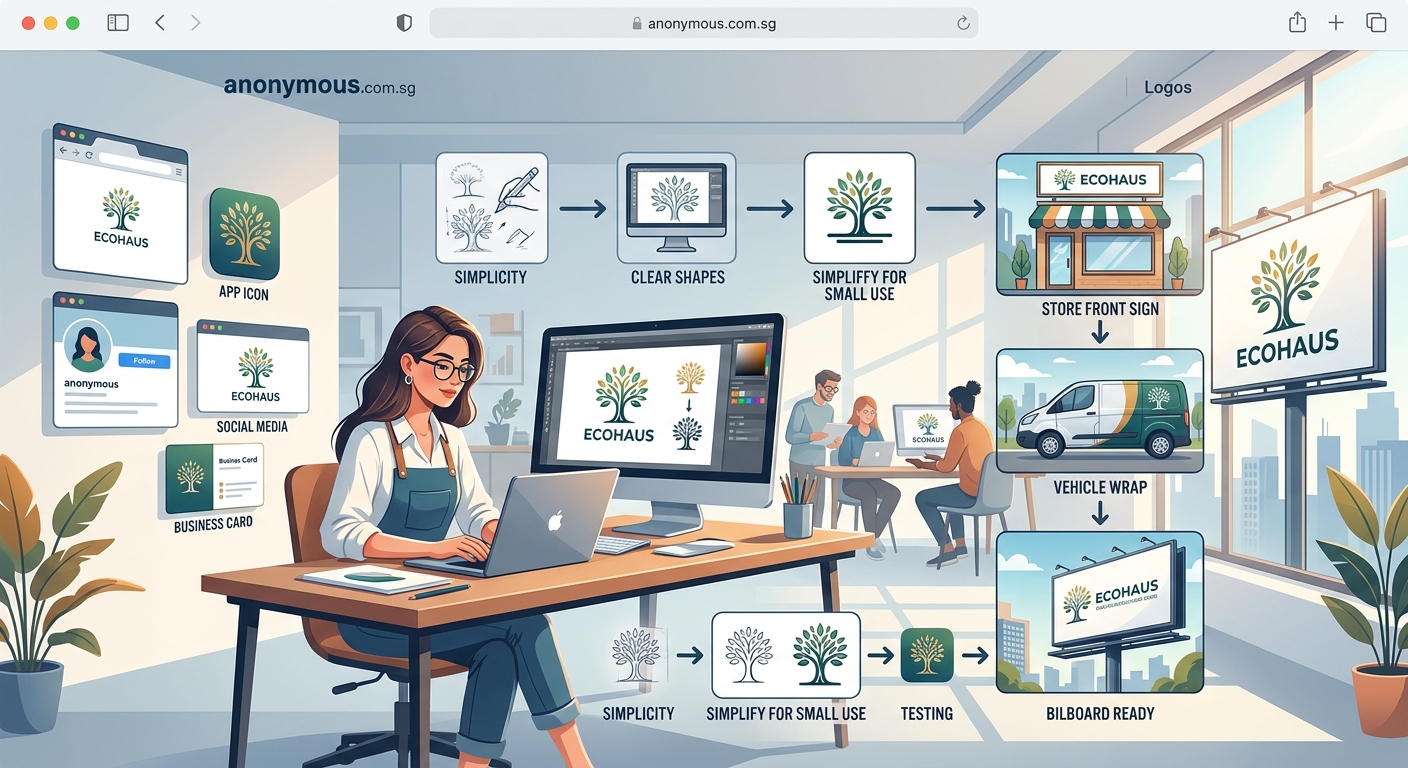
Raster images like JPEGs and PNGs are made of pixels. When you enlarge them, those pixels become visible and your logo looks fuzzy. When you shrink them too much, details merge together into mush.
Vector graphics work differently. They use mathematical paths instead of pixels. You can scale them infinitely in either direction without any quality loss.
Every professional logo should be created in vector format from day one. Adobe Illustrator, Affinity Designer, and Figma all create true vector files. Even free tools like Inkscape can handle vector work.
Save your master logo file as an AI, EPS, or SVG. These formats preserve the vector data. You can always export raster versions later for specific uses, but you can’t go backward from raster to vector without redrawing everything.
The five-step process for designing scalable logos
Follow this sequence to build scalability into your logo from the start:
-
Sketch at multiple sizes simultaneously. Don’t just design at one comfortable size. Draw your logo concept at business card size, phone icon size, and billboard size. This forces you to see what works and what doesn’t at extremes.
-
Use simple, bold shapes. Complex illustrations with fine lines and intricate details will always struggle at small sizes. Build your logo from clear geometric shapes that read instantly. Think Apple, Nike, Target.
-
Test the silhouette. Fill your logo with solid black and view it from across the room. If you can’t recognize it immediately, simplify further. A strong silhouette ensures recognition even when details aren’t visible.
-
Limit your color palette. Three colors maximum for most logos. Fewer colors mean easier reproduction across different media and better performance when printed in black and white or single colors.
-
Create size-specific versions. Design a full version with all elements, a simplified version for medium sizes, and an icon-only version for tiny applications. Building a brand style guide helps document when to use each version.
Typography choices that scale successfully
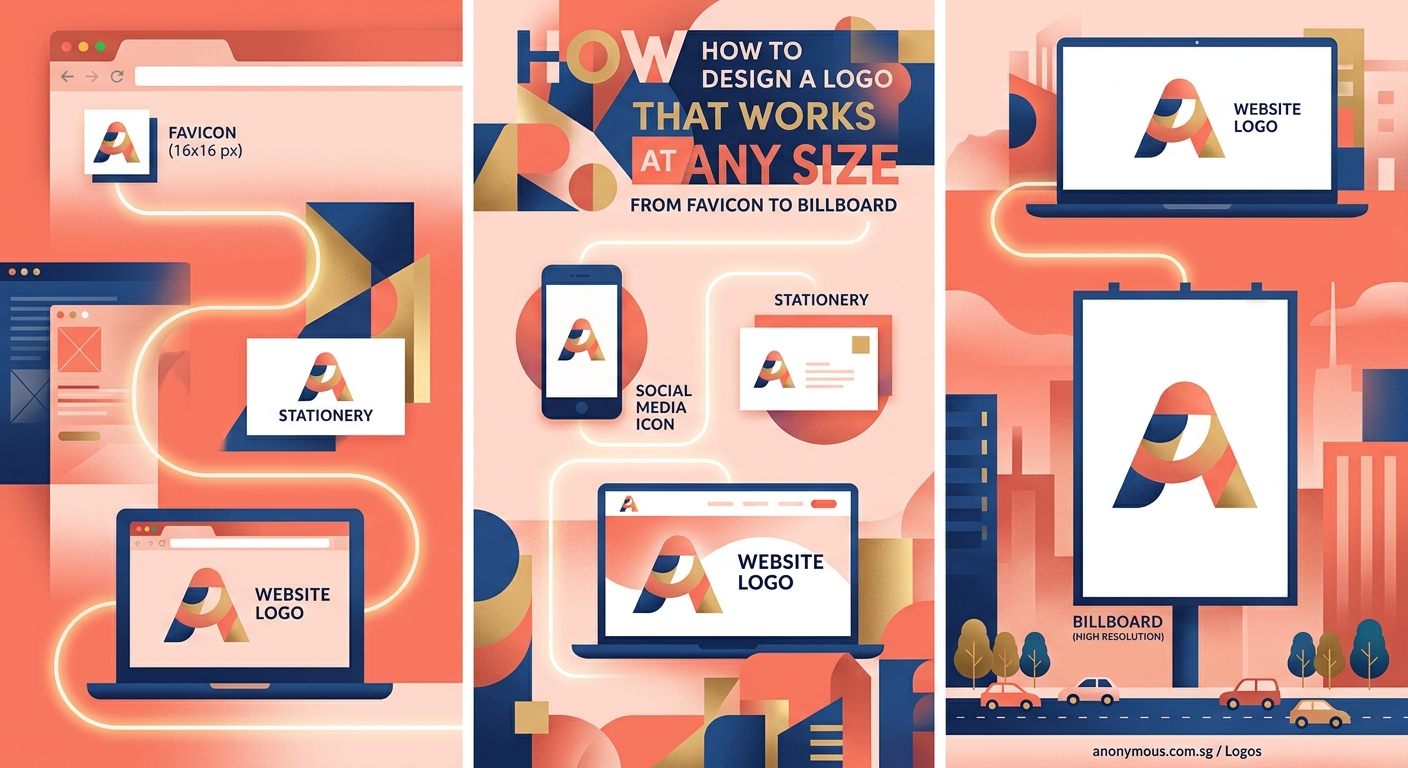
Text in logos presents special challenges. Letters have thin strokes, tight spacing, and fine details that can vanish or blur at small sizes.
Choose fonts with these characteristics:
- Open counters. The negative space inside letters like ‘e’, ‘a’, and ‘o’ should be generous. Tight counters fill in and become unreadable when scaled down.
- Consistent stroke width. Fonts with dramatic thick and thin strokes look elegant at large sizes but the thin parts disappear at small sizes.
- Good spacing. Letters that sit too close together merge into each other when small. Letters too far apart lose cohesion when large.
- Clear letterforms. Avoid overly stylized fonts where letters could be confused with each other. Your ‘a’ should never look like an ‘o’ at any size.
Custom lettering gives you complete control but requires more skill. If you’re choosing fonts for your brand identity, test them at 12pt and 144pt before committing.
Never use more than two typefaces in a logo. One is usually better.
Testing your logo across real-world applications
Theory only gets you so far. You need to see your logo in actual use cases before finalizing it.
Create mockups at these critical sizes:
- 16 x 16 pixels for favicons
- 180 x 180 pixels for mobile app icons
- 400 x 400 pixels for social media profiles
- 2 x 3.5 inches for business cards
- 8.5 x 11 inches for letterhead
- 48 x 120 inches for billboards
View your logo on different backgrounds. White, black, colored, textured, and photographic backgrounds all create different challenges. Your logo should remain legible on all of them.
Test in grayscale and single-color versions. Not every application will support full color. Your logo needs to work in black, white, and single colors without losing its identity.
Print physical samples. Screens lie. Colors look different in print, and details that seem fine on a monitor can fail on paper. Print your logo on different materials at different sizes before you declare it finished.
Common scalability mistakes and how to avoid them
| Mistake | Why it fails | Better approach |
|---|---|---|
| Too many fine details | Details merge or disappear at small sizes | Use bold, simple shapes that read clearly |
| Thin lines and strokes | Lines vanish or break up when scaled down | Keep minimum stroke width at 2pt or thicker |
| Complex gradients | Gradients band or lose subtlety in print | Use solid colors or simple two-color gradients |
| Tight letter spacing | Letters merge together at small sizes | Add generous spacing between characters |
| Relying on color alone | Loses impact in black and white | Ensure shape and form work without color |
| Too many elements | Cluttered appearance at any size | Remove everything that isn’t essential |
Avoiding logo design mistakes means thinking about reproduction from the beginning, not as an afterthought.
Building your logo system with size variations
Professional brands don’t use one logo everywhere. They create a system of variations optimized for different contexts.
Your logo system should include:
Primary logo. The full version with all elements, used when space allows and maximum impact is needed. This appears on your website header, marketing materials, and anywhere you have room.
Secondary logo. A simplified version that removes taglines, decorative elements, or secondary text. This works for medium-sized applications like email signatures and social media posts.
Icon or mark. A standalone symbol without text, used for profile pictures, app icons, and favicons. This should still be recognizable as your brand even without the company name.
Horizontal and vertical versions. Different layouts fit different spaces better. A horizontal lockup works for website headers. A stacked vertical version fits better on business cards or tall banners.
Document exactly when to use each version. Creating clear usage guidelines prevents inconsistent application across your brand materials.
Technical specifications for different platforms
Each platform has specific requirements for logo files. Getting these right saves headaches later.
For digital use:
- Website headers: PNG or SVG, 250-350px height, transparent background
- Favicons: ICO or PNG, 16x16px and 32x32px, simple icon version
- Social media profiles: PNG, 400x400px minimum, works at circular crop
- Email signatures: PNG, 150-200px width, optimized file size under 50KB
For print use:
- Business cards: Vector (AI/EPS) or 300dpi PNG, CMYK color mode
- Letterhead: Vector preferred, CMYK, with bleed if background extends to edge
- Large format: Vector only, CMYK, with appropriate bleed and safe zones
- Merchandise: Vector in multiple formats, with Pantone color specifications
Always provide vector source files to printers. They need the flexibility to scale appropriately for their specific equipment and materials. Setting up print files correctly prevents costly reprints and delays.
Color considerations for maximum flexibility
Color reproduction varies wildly across different media. Your logo needs to work in full color, limited color, and no color.
Design your logo in black first. Get the shapes and proportions right before adding color. If it doesn’t work in black, color won’t save it.
Specify your colors in multiple formats:
- RGB values for screens and digital use
- CMYK values for standard printing
- Pantone colors for precise brand color matching
- Hex codes for web design
Create official single-color versions in black, white, and your primary brand color. These get used more often than you’d expect. Choosing brand colors strategically means thinking about reproduction costs and limitations upfront.
Test your colors on different backgrounds. A logo that looks great on white might disappear on light gray. Create reversed versions for dark backgrounds if needed.
Simplification strategies for small sizes
When your logo shrinks below a certain threshold, details become liabilities. You need to simplify strategically.
Remove these elements first:
- Taglines and descriptive text
- Decorative flourishes and embellishments
- Thin outlines and borders
- Complex textures and patterns
- Secondary graphic elements
Increase spacing between remaining elements. Things that look properly spaced at large sizes feel cramped when small. Add breathing room.
Thicken strokes and lines. A 1pt line might look refined at poster size but vanishes at icon size. Bump it up to 2pt or 3pt for small applications.
Consider a symbol-only version. Many successful brands use just their icon at small sizes: Twitter’s bird, Instagram’s camera, Spotify’s sound waves. The name becomes optional when space is tight.
“A logo should be simple enough that you can draw it from memory after seeing it once. If you can’t sketch it roughly on a napkin, it’s too complex to scale well.” – Advice from veteran brand designers
Testing your logo in the wild
Before you finalize anything, put your logo through real-world stress tests.
Print it on actual business cards from a print-on-demand service. Order a few samples. See how it really looks on cardstock, not just on your screen.
Upload it as a profile picture on social media platforms. Instagram, LinkedIn, Twitter, and Facebook all crop and compress images differently. Make sure it survives their processing.
Create a simple one-page website with your logo in the header. View it on your phone, tablet, and computer. Check it in different browsers. See what happens when you zoom in and out.
Make a simple t-shirt mockup. Whether you plan to print merchandise or not, seeing your logo on fabric reveals issues you won’t catch otherwise.
Ask people who don’t know your brand what they see. Show them the small version first, then the large version. If they can’t connect them as the same logo, you need to refine.
Maintaining consistency across your brand
Once you have a scalable logo system, consistency becomes your next challenge. Everyone who uses your logo needs to use it correctly.
Create a simple one-page logo usage guide that shows:
- All approved logo versions with clear labels
- Minimum size requirements for each version
- Required clear space around the logo
- Approved color variations
- Common mistakes to avoid
Share this guide with everyone who might use your logo: employees, contractors, partners, vendors, and media contacts. Make it easy to find on your website.
Provide a logo download package with all necessary file formats. Include vector files (AI, EPS, SVG), high-resolution PNGs with transparent backgrounds, and versions optimized for specific uses like social media.
Typography consistency extends beyond the logo itself to all your brand communications.
Your logo should work harder, not just bigger
A truly scalable logo isn’t just technically flexible. It’s strategically designed to maintain your brand’s personality and recognition at every size.
Start with simplicity. Test relentlessly. Create purpose-built variations. Document everything clearly.
Your logo will appear in hundreds of contexts throughout its lifetime. Design it to succeed in all of them from day one, and you’ll save yourself countless headaches and expensive redesigns down the road.
Take your current logo or design concept and test it at 16 pixels wide right now. If it still looks like your brand, you’re on the right track. If it doesn’t, you know what to fix.
