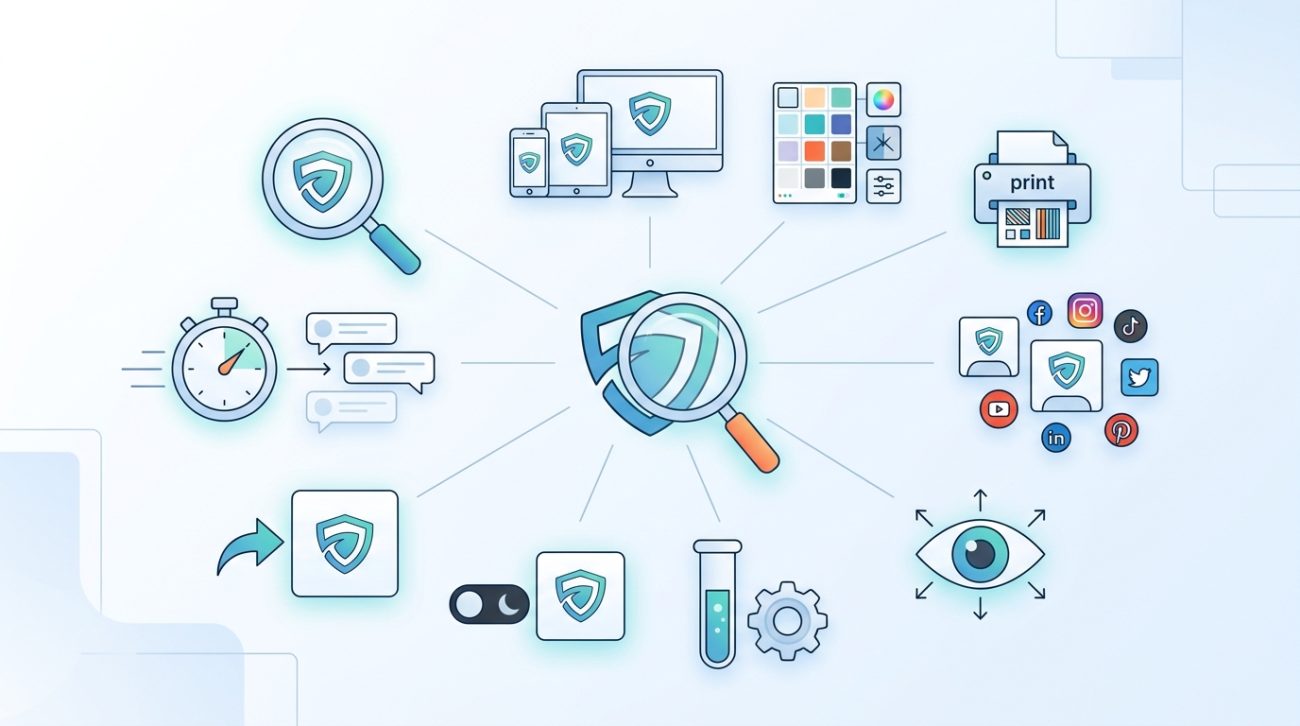
You’re about to launch your business, and you need a logo that looks professional without the professional price tag. The good news? You don’t need to hire a designer or spend thousands of dollars to create something that works. The right free logo design tools can help you build, test, and refine your brand identity before you commit to anything permanent.
Free logo design tools let you create, test, and validate your brand identity without spending money upfront. From drag-and-drop builders to mockup generators and feedback platforms, these resources help small business owners design professional logos, see them in context, gather real opinions, and make confident decisions before launch. Most tools require no design experience and deliver results in minutes.
Why free tools matter for new business owners
Starting a business means making tough budget decisions.
Logo design often gets pushed to the bottom of the priority list, or worse, rushed through with whatever option feels easiest. But your logo is the first thing customers see. It appears on your website, business cards, social media profiles, and packaging.
Free logo design tools give you the breathing room to experiment. You can try different concepts, test them in real scenarios, and gather feedback without financial pressure. This approach leads to better decisions and a stronger brand identity.
The tools below cover every stage of the logo design process, from creation to validation.
Logo creation platforms that actually work
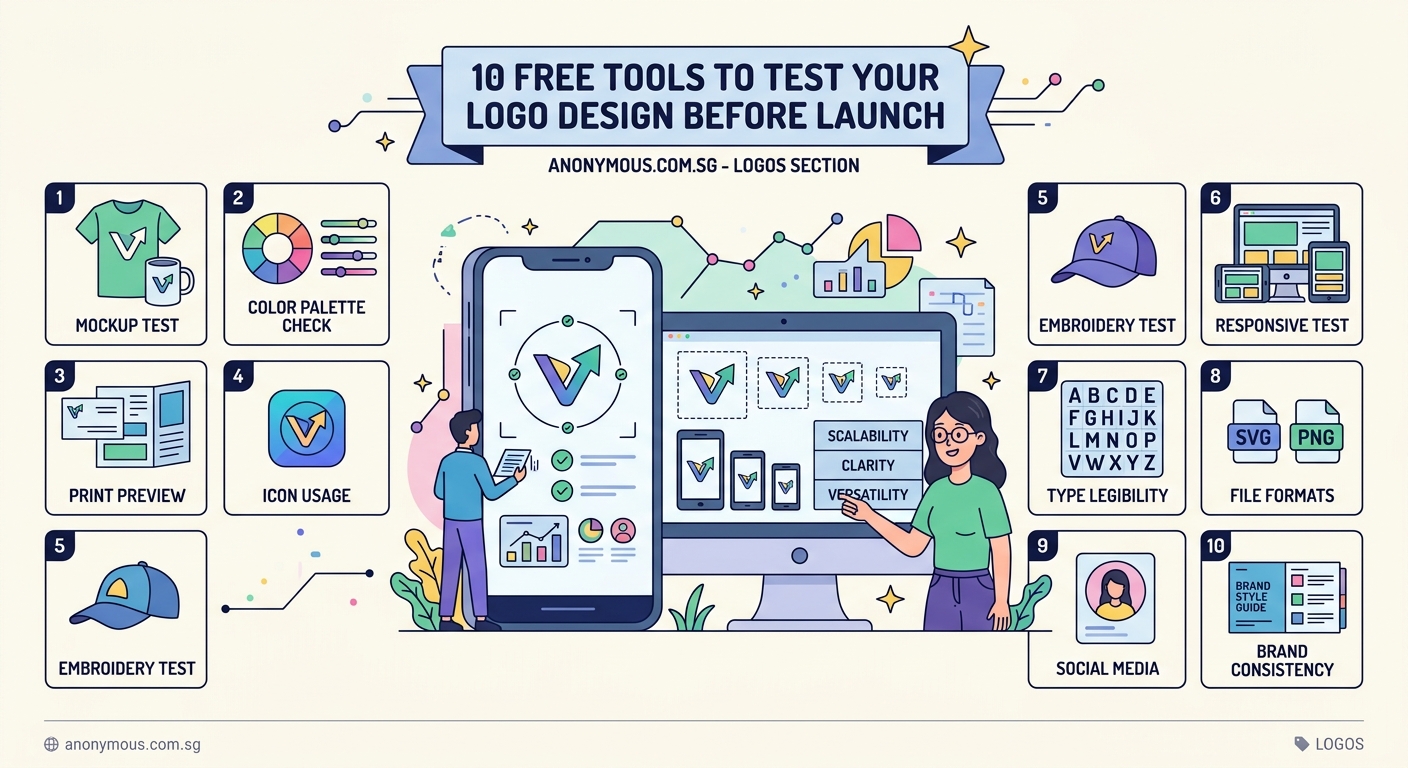
Canva
Canva offers thousands of logo templates you can customize in minutes. The drag-and-drop interface makes it simple to adjust colors, fonts, and layouts without any design background.
The free version includes basic shapes, icons, and text tools. You can download your logo as a PNG file, though high-resolution formats require a paid subscription.
Best for: entrepreneurs who want fast results and don’t mind template-based designs.
Looka
Looka uses AI to generate logo concepts based on your preferences. You answer a few questions about your industry, style preferences, and color choices. The platform then creates dozens of options.
The preview is free. You only pay if you want to download the files. The algorithm learns from your feedback, so the more options you reject or favorite, the better the suggestions become.
Best for: founders who want multiple concepts without starting from scratch.
Hatchful by Shopify
Hatchful creates logos specifically for e-commerce businesses. The tool asks about your business type and visual preferences, then generates customized options.
You get a complete package including social media assets sized for different platforms. Everything downloads for free, though the selection is smaller than other platforms.
Best for: online store owners who need matching assets across channels.
“A logo doesn’t need to be expensive to be effective. It needs to be clear, memorable, and appropriate for your audience. Free tools can absolutely deliver that if you use them thoughtfully.” – Brand designer with 15 years of experience
Testing your logo in real contexts
Creating a logo is one thing. Seeing how it performs in the real world is another.
Smartmockups
Smartmockups lets you place your logo on realistic product photos. Think business cards, t-shirts, coffee mugs, storefront signs, and packaging.
The free version includes hundreds of mockup templates. You upload your logo file, position it on the template, and download the result. This helps you see if your design works at different sizes and on different materials.
Best for: visualizing how your logo translates to physical products.
Placeit
Placeit offers mockups and video templates. You can see your logo animated on screens, worn on apparel, or displayed in office settings.
The free tier is limited, but you can preview everything before deciding whether to purchase individual mockups or subscribe.
Best for: service-based businesses that need digital mockups more than physical ones.
Color and contrast validators
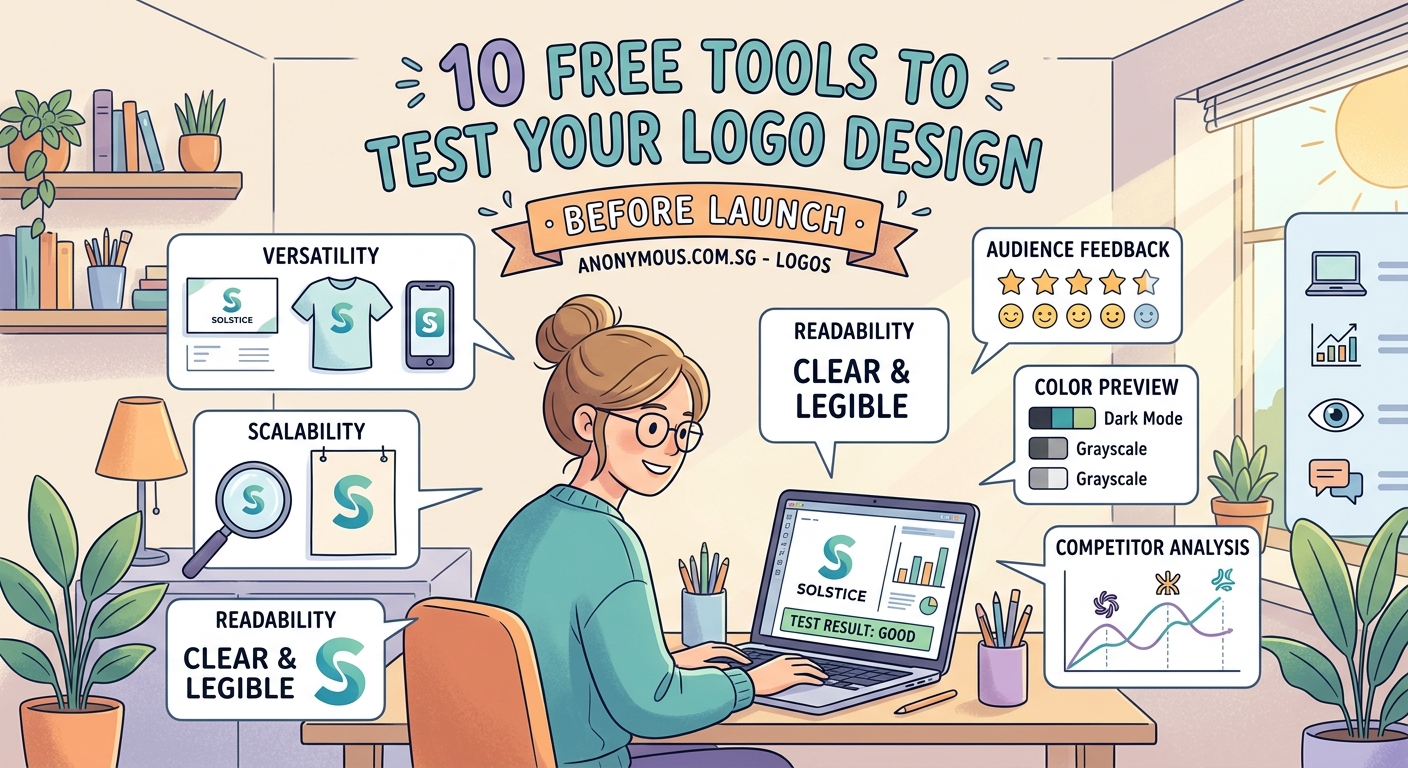
Your logo might look perfect on your computer screen but fail completely when printed or viewed by someone with color blindness.
Coolors
Coolors generates color palettes and tests them for accessibility. You can upload your logo and check whether the color combinations meet WCAG contrast standards.
The tool also shows how your palette looks to people with different types of color vision deficiency. This ensures your logo remains recognizable regardless of how someone sees color.
Best for: ensuring your brand colors work for everyone.
Adobe Color
Adobe Color extracts colors from images and creates harmonious palettes. You can upload your logo draft and see complementary colors, or test different color schemes before finalizing your design.
The accessibility checker confirms whether text remains readable against your background colors. This matters when your logo appears on websites, presentations, or marketing materials.
Best for: building a complete brand color system around your logo, which you can then document in a brand style guide.
Feedback and validation platforms
Your opinion matters, but you’re not your customer. Getting outside perspectives helps you catch problems you might miss.
UsabilityHub
UsabilityHub runs design tests with real people. You can upload your logo and ask specific questions: Which version feels more professional? What industry does this represent? What word comes to mind when you see this?
The free plan includes limited responses, but even a handful of unbiased opinions can reveal whether your design communicates what you intend.
Best for: validating whether your logo sends the right message.
PickFu
PickFu polls targeted audiences to compare design options. You upload two or more logo variations, define your target demographic, and receive ranked preferences with written explanations.
The platform costs money per poll, but the insights often save you from expensive mistakes. You might learn that your clever visual pun confuses people, or that one color scheme feels more trustworthy than another.
Best for: making data-informed decisions between multiple concepts.
Reddit communities
Subreddits like r/design_critiques and r/logodesign offer free feedback from designers and business owners. Post your logo with context about your business, target audience, and goals.
The feedback ranges from gentle suggestions to brutally honest criticism. Both types help. Just remember that internet opinions vary in quality, so look for recurring themes rather than individual preferences.
Best for: getting diverse perspectives without spending money.
File format and scalability checkers
A logo needs to work everywhere: tiny favicons, massive billboards, embroidered shirts, and everything between.
Vectr
Vectr is a free vector graphics editor that runs in your browser. If you created your logo in a raster format (like PNG or JPG), you can recreate it as a vector in Vectr.
Vector files scale infinitely without losing quality. This matters when you need your logo on a trade show banner or a business card.
The interface takes some learning, but basic shapes and text are straightforward. You can export as SVG, which any professional printer or designer can use.
Best for: converting pixel-based logos to scalable formats.
Photopea
Photopea mimics Photoshop’s interface but runs entirely in your browser for free. You can test how your logo looks at different sizes, apply effects, and export in multiple formats.
The tool helps you prepare the various file versions you’ll need: high-resolution for print, web-optimized for your site, and transparent backgrounds for overlays.
Best for: preparing multiple file formats without Adobe subscriptions, following the guidelines in the complete logo file format guide.
Common mistakes when using free tools
Free doesn’t mean careless. These tools work well when used properly, but certain mistakes undermine even the best resources.
| Mistake | Why it matters | How to avoid it |
|---|---|---|
| Using default fonts | Thousands of other businesses use the same templates | Customize at least two elements: font and color |
| Skipping the scalability test | Logos often fail at small sizes | View your design at favicon size (16×16 pixels) |
| Ignoring file formats | PNG files don’t scale well | Always create or export a vector version |
| Designing in isolation | You might miss obvious problems | Get feedback from at least five people outside your industry |
| Copying trends | Trendy designs date quickly | Choose timeless over fashionable, as discussed in logo design trends to avoid |
How to use multiple tools together
The best results come from combining tools rather than relying on just one.
- Start with a creation platform like Canva or Looka to generate initial concepts.
- Test your top three options in Smartmockups to see them on real products.
- Run your favorites through Coolors to verify color accessibility.
- Post your finalists to Reddit or UsabilityHub for unbiased feedback.
- Refine based on the feedback you receive.
- Create vector versions in Vectr for professional use.
- Export all necessary formats in Photopea.
This workflow takes a few hours but produces a thoroughly tested logo that works across all applications.
What to do after you’ve chosen your logo
Selecting your final design is just the beginning. You need to prepare it for actual use.
Create a simple document that includes:
- Your logo in full color, black, and white versions
- Minimum size requirements (usually no smaller than 1 inch wide for print)
- Clear space rules (how much empty space to maintain around the logo)
- Approved color codes in HEX, RGB, and CMYK
- Fonts used in the design
- Examples of incorrect usage
This document prevents future inconsistencies and helps anyone who works with your brand maintain quality. Learning how to maintain brand consistency across multiple platforms becomes much easier when you have clear guidelines from the start.
When free tools aren’t enough
Free logo design tools work well for many businesses, but certain situations call for professional help.
Consider hiring a designer if:
- Your industry is highly competitive and visual differentiation matters significantly
- You need a complex illustration or custom typography
- Your logo will appear primarily in challenging contexts (embroidery, engraving, or single-color printing)
- You’ve tried multiple tools and still feel uncertain about the results
- Your business model depends heavily on brand perception
Professional designers bring strategic thinking, technical expertise, and objective perspective. They can also help you avoid common logo design mistakes that free tools might not catch.
The investment often pays for itself through stronger customer recognition and reduced need for future rebranding.
Building a complete visual identity
Your logo is just one piece of your brand system. Fonts, colors, imagery style, and layout patterns all contribute to how people perceive your business.
Free tools can help you develop these elements too:
- Use Google Fonts to find perfect font pairings that complement your logo
- Generate complete color palettes with free color palette generators
- Create social media graphics that match your logo style
- Design business cards and marketing materials with consistent branding
Understanding why your small business needs a brand system helps you see beyond the logo to the bigger picture of visual communication.
Practical steps to start today
You don’t need to master every tool before creating your logo. Start small and build from there.
Pick one creation platform and spend 30 minutes exploring templates or generating AI concepts. Save anything that catches your eye, even if it’s not perfect.
Tomorrow, test your favorites in a mockup tool. See them on business cards or storefronts. Notice which ones still feel right in context.
The next day, run them through a color checker. Make sure they’re accessible and versatile.
By the end of the week, you’ll have a shortlist of strong candidates and the confidence to make a final decision.
The tools exist. The only thing standing between you and a professional logo is the time you invest in using them thoughtfully.
Getting your brand identity right from the start
Free logo design tools give small business owners something that didn’t exist a decade ago: the ability to create, test, and validate professional brand identities without upfront investment.
These platforms won’t replace experienced designers for complex projects, but they absolutely work for entrepreneurs who need solid visual identities on startup budgets. The key is using them strategically, combining multiple tools, gathering real feedback, and being willing to iterate.
Your logo will represent your business for years. Taking a few extra days to test it properly costs nothing but saves you from expensive rebrands later. Start with the tools that match your needs, follow the testing process, and trust the feedback you receive. You’ll end up with a logo that works hard for your brand and grows with your business.
