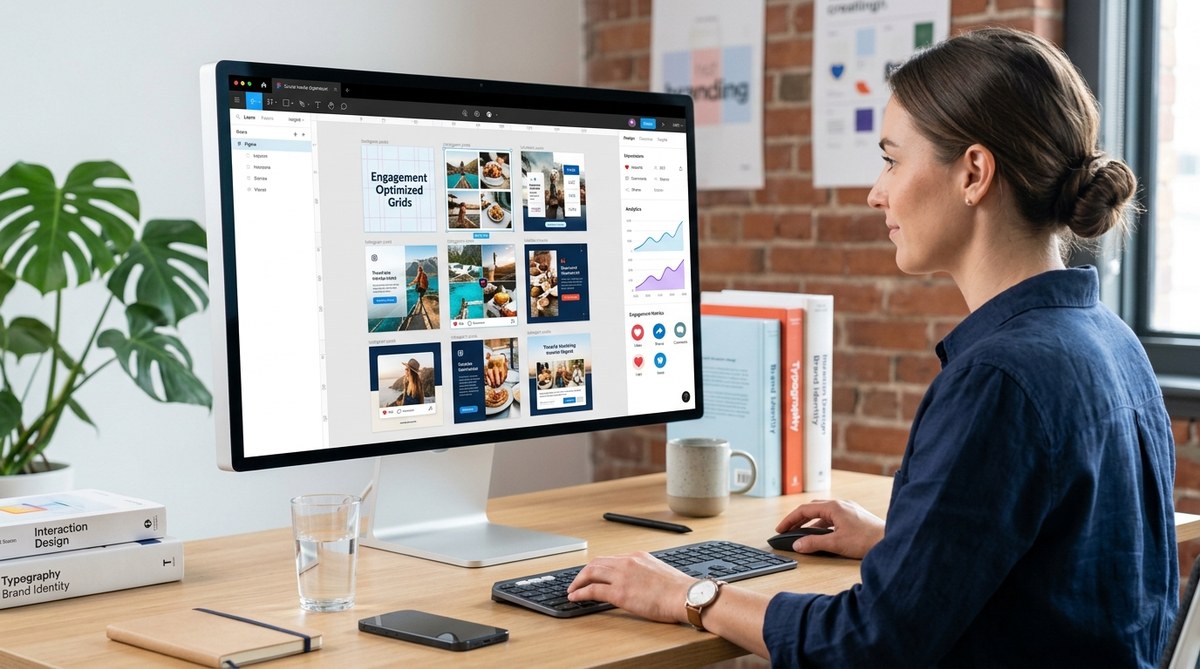
Creating scroll-stopping social media posts involves more than just eye-catching images. Your layout plays a key role in grabbing attention and encouraging interaction. When your posts are designed with engagement in mind, they invite likes, shares, comments, and saves. Whether you’re a social media manager or a content creator, understanding how to craft effective layouts can dramatically improve your reach and influence. Let’s walk through practical techniques to master social media layouts that resonate with your audience.
Why Layout Matters in Social Media Engagement
Your visual arrangement influences how viewers perceive and interact with your content. A well-structured layout guides the eye naturally and highlights your message. It helps your followers quickly grasp the core idea, making them more likely to engage. On platforms like Instagram, Facebook, or TikTok, the first impression is visual. A cluttered or inconsistent layout can turn viewers away. Conversely, a clean, balanced, and strategic design invites interaction.
“Design isn’t just about looks. It’s about making your content easy to understand and impossible to ignore,” says top social media strategists.
Key Principles for Creating Engaging Social Media Layouts
To craft layouts that boost engagement, keep these principles in mind:
- Focus on clarity: Your message should be immediately understandable.
- Prioritize balance: Distribute visual weight evenly.
- Use hierarchy: Highlight the most important elements.
- Maintain consistency: Use your brand colors, fonts, and styles.
- Leverage whitespace: Give your elements room to breathe.
- Incorporate visual cues: Use arrows, lines, or contrast to direct attention.
Practical Steps to Design Layouts That Engage
Follow these three steps to develop layouts that foster higher interaction:
-
Identify your core message
Clearly define what you want viewers to do or feel. Is it to learn, buy, or share? Your layout should emphasize this goal. For example, if you’re promoting a sale, make the discount or call-to-action the focal point. -
Choose platform-specific dimensions and styles
Each social media platform has optimal sizes and styles. Instagram favors square or vertical posts, while Twitter and LinkedIn often perform better with horizontal images. Use templates aligned with these specs to ensure your design looks polished. -
Arrange elements for maximum impact
Use a grid system to place your text, images, and icons strategically. Ensure your headline or main point is at eye level. Supplementary information should support, not clutter. For example, a common formula is to keep your main message centered with supporting visuals around it.
Layout Techniques That Drive Engagement
Here are some proven techniques to enhance your post designs:
- The Rule of Thirds: Divide your canvas into nine sections. Place key elements along these lines or at intersections to create a balanced composition.
- Contrast and Color Blocking: Use contrasting colors to make important elements pop. For instance, a bright CTA button against a muted background draws immediate attention.
- Hierarchy with Size and Weight: Bigger and bolder fonts highlight main points, guiding viewers through your content naturally.
- Consistent Margins and Padding: Keep uniform spacing to avoid clutter and improve readability.
- Use of Visual Anchors: Incorporate arrows, lines, or shapes that direct viewers’ eyes toward your call-to-action or key message.
| Technique | What it accomplishes | Common mistake | How to avoid |
|---|---|---|---|
| Rule of thirds | Creates balanced compositions | Centering all elements | Place focal points at intersections or along lines |
| Color contrast | Draws attention to key parts | Using similar tones for all elements | Use complementary or contrasting colors for emphasis |
| Hierarchical sizing | Guides viewer flow | Making all text the same size | Make primary message larger and bolder |
| Consistent spacing | Improves clarity | Overcrowding elements | Apply uniform margins and padding |
Templates and Layout Examples You Can Use
Templates speed up your workflow and ensure consistency. Here are some design ideas for different content types:
- Quote posts: Use large, centered text with a subtle background. Highlight keywords by changing their color or weight.
- Product features: Arrange images in a grid with descriptive text underneath. Use contrasting colors to highlight the call-to-action.
- Event announcements: Place date and time prominently, with supporting details below. Incorporate icons to symbolize key information.
Feel free to adapt these templates to match your brand style. For quick customization, platforms like Canva offer free templates that can be tailored to your needs.
Common Layout Mistakes That Hurt Engagement
Knowing what to avoid is just as important as knowing what to do. Here’s a quick comparison:
| Mistake | Impact | How to fix |
|---|---|---|
| Overcrowding | Difficult to focus | Simplify content, use whitespace effectively |
| Inconsistent style | Confuses audience | Stick to brand colors, fonts, and imagery |
| Poor alignment | Looks unprofessional | Use grid systems or alignment tools |
| Ignoring platform specs | Cropped or pixelated images | Research platform guidelines before designing |
| Lack of focal point | Viewers don’t know where to look | Emphasize main message with size, color, placement |
Expert Tips for Layout Success
“Keep your designs simple. The most effective social media layouts are easy to scan and understand at a glance,” advises a seasoned social media strategist.
Final Tips to Enhance Your Post Layouts
- Use high-quality images that complement your message.
- Limit the number of fonts and colors to create a cohesive look.
- Test different layouts to see what resonates best with your audience.
- Use analytics to measure which designs generate the most engagement.
- Stay updated on design trends but prioritize clarity and brand consistency.
Putting It All Into Practice
Creating social media layouts for engagement is an ongoing process. Start with a few templates, apply these principles, and analyze the results. Over time, you’ll develop an eye for what clicks with your followers. Remember, the goal is to make your content easy to digest and visually appealing enough to stop the scroll.
Your Next Step Toward More Engagement
Designing layouts that foster interaction requires intention and practice. Focus on clarity, balance, and platform-specific design rules. Use templates as a starting point, then customize to your brand voice. With consistent effort, your social media posts will not only look great but also inspire more meaningful engagement from your audience.
