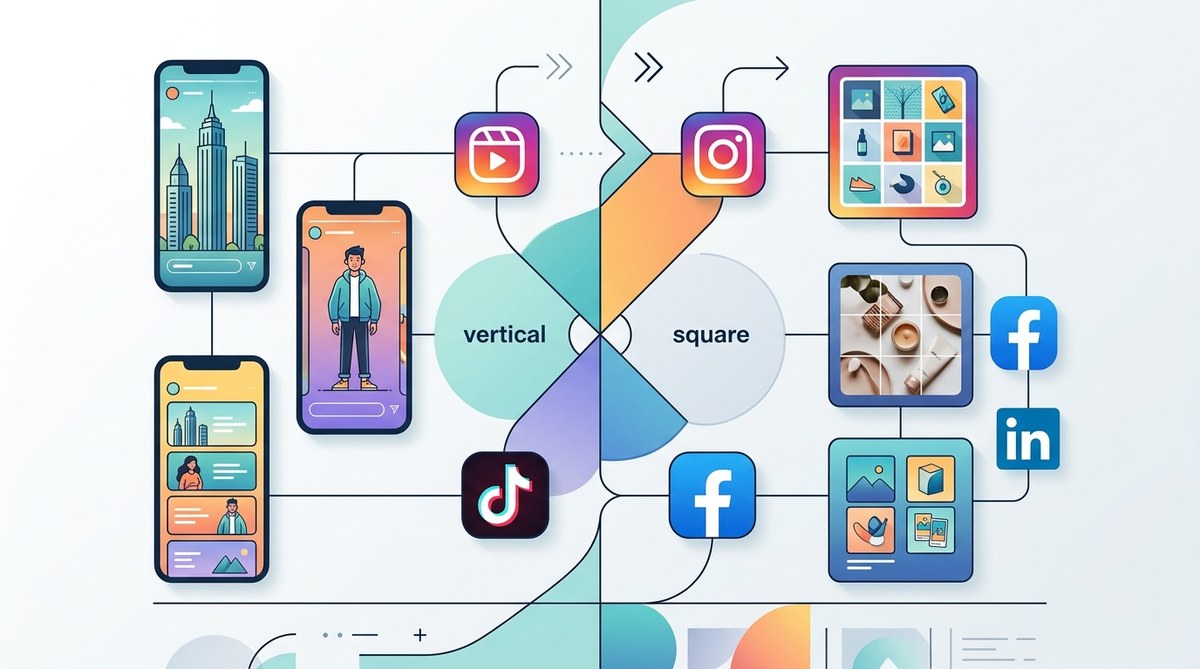
Creating eye-catching Instagram content requires more than just great photos. Knowing the right image sizes for different formats ensures your visuals look sharp and professional. As Instagram continues to update its platform and algorithms, staying current with the best practices becomes vital. This guide breaks down the key dimensions you need to know for 2026, so you can plan, design, and post with confidence.
In 2026, mastering the correct Instagram image sizes for posts, stories, and reels is crucial for engagement. Use the latest dimensions to ensure your content is sharp, aligned, and optimized across all formats and devices, boosting your visual consistency and audience interaction.
Understanding Instagram’s Visual Landscape in 2026
Instagram thrives on visual storytelling. Whether you’re a content creator, social media manager, or digital marketer, understanding the platform’s evolving image size requirements helps your content stand out. With the platform’s shift towards vertical and square formats, aligning your images properly can make a significant difference. Proper dimensions prevent cropping issues, pixelation, and awkward compositions.
In 2026, the platform continues to favor formats that fit mobile screens perfectly. This means designing with aspect ratios and pixel dimensions that optimize quality without sacrificing flexibility. The good news is that most tools like Canva or Figma now support these latest sizes, making your workflow smoother.
Standard Post Sizes for Your Instagram Feed
Instagram feed posts remain the backbone of your profile. They define your aesthetic and help build brand recognition. The platform supports different formats, but the most common are square, vertical, and horizontal images.
1. Square posts
Square images are classic and work well across all devices. The optimal size for a square post is:
- 1080 x 1080 pixels
- Aspect ratio: 1:1
This size ensures your images look sharp on high-resolution screens while maintaining fast load times. When you upload images at this size, Instagram automatically compresses them without losing quality.
2. Vertical posts
Vertical or portrait images are increasingly popular due to their prominence in the feed and Stories. The recommended size is:
- 1080 x 1350 pixels
- Aspect ratio: 4:5
Using this size maximizes screen real estate, making your visuals more engaging. Keep in mind that images taller than 1350 pixels may be scaled down or cropped.
3. Landscape posts
While less common, landscape images still have their place, especially for wide scenes or product shots. Their size:
- 1080 x 608 pixels
- Aspect ratio: 1.91:1
Avoid stretching images to fit this size. Always upload at the native resolution to preserve quality.
Stories and Reels: Vertical Content Dominate
Stories and Reels are the most engaging formats in 2026, especially since they take up the full screen on mobile devices.
4. Instagram Stories size
For Stories, vertical images are king. The recommended dimensions are:
- 1080 x 1920 pixels
- Aspect ratio: 9:16
This size fills the entire screen without cropping. Designing with a margin of safety around the edges prevents important content from being cut off.
5. Reels size
Reels mirror the Stories format but often include dynamic content. Stick to:
- 1080 x 1920 pixels
- Aspect ratio: 9:16
Use this size for both videos and static images to ensure your Reels look consistent and professional.
Profile and Cover Photos
Profile images and highlights are key to branding on Instagram.
6. Profile picture size
For clarity and crispness:
- 110 x 110 pixels (minimum)
- Recommended upload: 180 x 180 pixels
The platform displays it at 110 pixels but supports larger images for better quality.
7. Highlight covers
Design highlight covers at:
- 1080 x 1920 pixels with a central focus area
Ensure your icons or images are visible and clear even when scaled down.
Avoiding Common Pitfalls
Designing for Instagram isn’t just about knowing sizes. Proper techniques and avoiding mistakes can boost your content’s effectiveness.
| Technique | Mistake | Why it matters |
|---|---|---|
| Use native resolution | Uploading scaled images | Prevents pixelation and distortion |
| Keep important elements within safe zone | Placing vital info near edges | Avoids cropping on different devices |
| Maintain aspect ratios | Stretching images to fit | Keeps visuals proportional and professional |
| Test images on mobile | Designing only for desktop | Ensures your content looks great on phones |
Expert tip: Always upload your images at the recommended pixel dimensions. Instagram compresses images, so starting with high-quality files ensures your visuals stay sharp.
Practical Steps to Get Your Instagram Sizing Right
- Identify the content type you want to post (feed, story, reel, profile).
- Design or resize your images to match the latest dimensions listed above.
- Use design tools like Canva or Figma to set custom dimensions and create templates.
- Preview your visuals on mobile devices before posting.
- Maintain consistency across your content by creating size-specific templates.
Tools and Techniques to Simplify Your Workflow
- Use templates designed for Instagram sizes to speed up creation.
- Leverage grid overlays in your design apps to ensure safe zones.
- Batch process images to save time and keep your aesthetic consistent.
- Regularly check for updates on platform specifications to stay current.
Common Mistakes and How to Avoid Them
| Technique | Mistake | How to fix it |
|---|---|---|
| Uploadting images not optimized for size | Pixelation or blurry images | Always resize to 1080 pixels wide for feed posts |
| Ignoring safe zones in Stories | Important info cropped out | Keep text and key visuals at least 250 pixels away from edges |
| Using outdated sizes | Looks unprofessional | Follow the latest Instagram image size guide 2026 |
Final Tips for Consistent, Engaging Instagram Content
- Always work at 1080 pixels width for images to ensure high quality.
- For Stories and Reels, design vertically with 9:16 aspect ratio.
- Use aspect ratios that fit your content type, avoiding forced cropping.
- Regularly update your templates and assets to match the platform’s latest specs.
- Test your posts on different devices to ensure they look polished everywhere.
Mastering the art of visual consistency on Instagram
Keeping up with Instagram’s evolving image sizes in 2026 can feel overwhelming, but focusing on the key dimensions makes it manageable. Use the recommended sizes as your baseline, and incorporate safe zones to prevent cropping issues. With the right tools and practices, you can produce stunning visuals that resonate with your audience and boost engagement.
Remember, designing with intention ensures your content looks professional and stands out. Apply these sizes, refine your templates, and watch your Instagram presence grow stronger each day.
