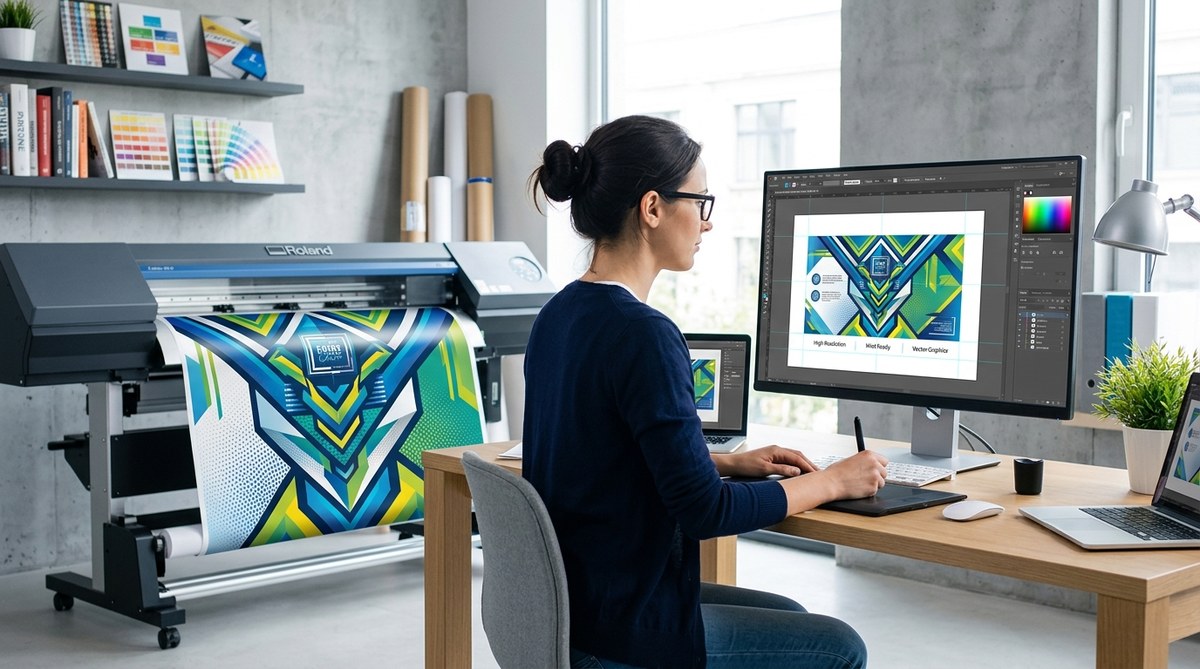
Getting large format printing right can be tricky. The goal is to create eye-catching visuals that don’t lose sharpness or color accuracy when scaled up. Whether you’re designing for banners, posters, or trade show displays, understanding how to prepare your files ensures your final product looks as vibrant and crisp as intended. Small mistakes in your design process can lead to blurry images, color shifts, or uneven surfaces. Let’s go over some practical tips to help you achieve high quality in every large format print.
High-quality large format printing depends on proper file preparation, understanding resolution, color management, and [substrate choices](https://www.cdc.gov/nceh/hsb/chemicals/paint.htm). Applying these tips will help you avoid common pitfalls and produce vibrant, sharp visuals every time.
Understanding the importance of resolution and image quality
One of the most critical factors in large format printing is resolution. Files with low DPI or PPI will appear pixelated or blurry when scaled. Always aim for at least 150 DPI at the final print size, but 300 DPI is ideal for detailed images or close viewing. Remember, increasing resolution beyond 300 DPI generally doesn’t add quality but can significantly increase file size.
Tips for resolution management:
- Always check your image resolution before starting your design. Use tools like Adobe Photoshop or Illustrator to verify DPI and PPI.
- When enlarging images, avoid stretching raster images beyond their native resolution. Instead, work with vector graphics where possible.
- For photographs, start with high-resolution files captured at 300 DPI. Use RAW or TIFF formats for the best quality.
- Be cautious when scaling images. Use software’s preview features to see how resolution holds up at larger sizes.
- Keep in mind that some printers can handle lower resolutions for certain substrates. Confirm with your print provider.
How to prepare your images for large format printing
- Use high-resolution images. Never settle for small or compressed files.
- Convert your files to lossless formats like TIFF or PNG when working on detailed images.
- Embed or convert fonts to outlines in vector files to prevent font substitution issues.
- Adjust your color profiles to match CMYK output, as it reflects the final print colors.
- Save your files with bleed and crop marks included to prevent unwanted white borders.
Managing color accuracy
Color shifts are common if you don’t manage color profiles properly. Always work in CMYK mode for large format printing as it aligns with print color gamuts. Use ICC profiles recommended by your print shop to ensure color consistency across devices.
Color tips include:
- Soft-proof your design in your software using the target ICC profile.
- Avoid using RGB images directly unless your print shop confirms they can handle it.
- Use color calibration tools to ensure your monitor displays accurate colors.
- Test print small sections before committing to the full-scale print.
- Communicate with your printer to understand their color management process.
Common color mistakes and how to avoid them
| Mistake | Technique to fix | Consequence if ignored |
|---|---|---|
| Using RGB images for print | Convert images to CMYK before designing | Colors may appear dull or oversaturated |
| Not calibrating monitor | Regularly calibrate your display | Color mismatches between screen and print |
| Ignoring ICC profiles | Use profiles recommended by your printer | Inconsistent color output |
| Over-editing images | Maintain natural tones; avoid excessive adjustments | Unnatural colors and printing issues |
Expert tip: “Always do a test print of a small section to evaluate color accuracy. It saves time and money before printing the full large format piece.”
Choosing the right substrate and surface
The material you print on impacts both quality and durability. Common options include vinyl, fabric, or rigid materials like foam board. Each surface has different absorption rates and textures.
Best practices:
- Match your substrate to the environment. For outdoor banners, opt for weather-resistant vinyl.
- Use high-quality materials to prevent ink bleeding or peeling.
- Consider matte versus gloss finishes depending on the visual effect you want.
- Consult with your printer on the best substrate for your design and application.
- Use appropriate inks compatible with your chosen surface for longevity.
Common substrate mistakes
| Mistake | Solution | Impact of ignoring |
|---|---|---|
| Using inexpensive, low-quality material | Invest in durable, compatible substrates | Reduced lifespan, fading, or damage |
| Not considering surface texture | Test print on sample material | Unwanted glare or dull appearance |
| Ignoring environmental factors | Choose weatherproof options for outdoor displays | Damage or discoloration over time |
Design tips to prevent quality loss
Designing for large format requires careful planning. Here are some practical steps:
- Use vector graphics for logos, icons, and text. They scale infinitely without losing quality.
- When using raster images, embed them at the highest resolution possible.
- Keep critical details away from edges to prevent cropping.
- Use bleed settings of at least 3 mm to avoid white borders after trimming.
- Create your files in the correct dimensions, not scaled-down versions.
- Preview your design at 100% and 200% zoom to identify pixelation or blurriness.
- Avoid applying effects or filters that can make images appear pixelated when enlarged.
Common design mistakes table
| Mistake | Technique to avoid | Effect on final print |
|---|---|---|
| Using low-res images | Always start with high-res assets | Blurry, pixelated output |
| Relying solely on raster images | Incorporate vector graphics where possible | Loss of sharpness when scaled |
| Ignoring bleed and safe zones | Set bleed and margin guides in your design files | Cropping issues or accidental cut-offs |
| Over-compressing files | Save in lossless formats | Reduced quality and color fidelity |
Final words on flawless large format printing
Achieving high-quality large format prints involves more than just good design. It requires understanding resolution, color management, substrate choices, and file setup. By following best practices, you reduce the risk of common pitfalls like pixelation, color shifts, or surface imperfections. Always communicate with your printing partner to clarify technical details. When your files are prepared correctly, your visual impact will be maximized, making your large scale campaigns truly stand out.
Bringing your large format prints to life
Applying these tips makes a real difference. Take the time to verify your resolution, manage colors carefully, select the right materials, and prepare your files with precision. Your final product will look professional, vibrant, and sharp. Remember, every detail counts in large format printing. With patience and attention to detail, you’ll consistently produce impressive visuals that catch eyes and communicate your message powerfully.
