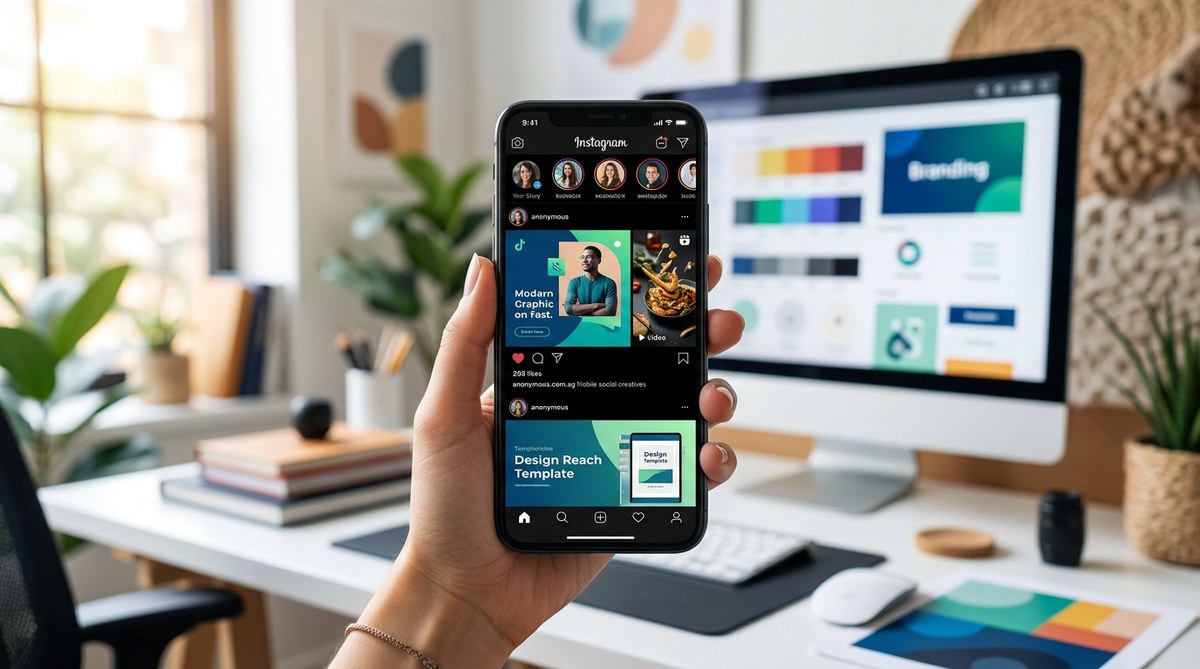
Improving readability on social media feeds isn’t just about choosing pretty fonts. It’s about making sure your audience can easily consume your content without squinting or scrolling endlessly. With screens getting sharper and user attention spans shrinking, understanding mobile font size guidelines is more important than ever. Whether you’re a UI/UX designer, web developer, or social media manager, mastering these standards helps your content stand out and engage effectively.
Using legible font sizes on mobile is vital for user engagement. Aim for primary text around 16-20px, headlines between 24-36px, and keep spacing consistent. These guidelines help your content stay readable across all devices, boosting interaction and retention.
Why mobile font sizes matter for social media success
When users scroll through their feeds, the first thing they notice is how easy it is to read your content. Tiny fonts can cause frustration, leading viewers to skip your posts altogether. Larger, well-chosen font sizes create a visual hierarchy that guides the eye naturally. Plus, with different devices and screen densities, what looks good on one phone might be unreadable on another. That’s why having clear mobile font size guidelines ensures your message gets through, no matter what.
How to determine the right font sizes for mobile social feeds
Getting your font sizes right involves a mix of understanding device standards, font types, and user behavior. Here’s a practical process to fine-tune your typography:
- Identify your primary text types. This includes headlines, body text, captions, and input fields.
- Set baseline font sizes based on content importance. Use at least 16 pixels for body copy, larger for headlines.
- Adjust for readability and device density. Test on actual devices to see how your fonts appear under different conditions.
Practical process for applying font size guidelines
- Start with a standard baseline. Use 16px as a minimum for body text. For example, app developers often set body fonts at 16px or 18px to ensure clarity.
- Scale headlines appropriately. Headlines should be at least 24px, with larger headlines going up to 36px or more for emphasis.
- Maintain consistency. Use a limited set of font sizes to avoid visual clutter. For instance, reserve 16px, 20px, 24px, and 36px for different content types.
- Test on multiple devices. View your designs on phones with high and low pixel densities. Adjust sizes if needed.
- Use relative units where possible. Instead of fixed pixels, consider using ’em’ or ‘rem’ units to ensure scalability.
Quick tips for quick success
- Keep headline font sizes at least 24px for readability.
- Use 16-20px for general body content.
- Caption or footnote text should not go below 12px.
- Line height should be about 1.4 to 1.6 times the font size for comfortable reading.
- Ensure sufficient spacing between lines and paragraphs.
Common mistakes in mobile font sizing
| Technique or mistake | Explanation |
|---|---|
| Using tiny fonts for headlines | Headlines under 20px are hard to read on small screens, especially with high pixel density. |
| Overusing multiple font sizes | Too many sizes create visual chaos and confusion. Limit yourself to 2-3 sizes per content type. |
| Ignoring device differences | Testing only on high-end phones can hide readability issues on lower-end devices. |
| Fixed pixel sizes only | Relying solely on px units can cause scaling issues. Use relative units for better responsiveness. |
| Forgetting line spacing | Tight line spacing makes text look crowded. Aim for 1.4 to 1.6 times line height. |
“Always preview your mobile typography on real devices. What looks perfect on a desktop can be unreadable on a phone.” — UX expert Lisa Tran
Techniques for effective mobile typography
- Use legible, clean fonts like Sans-serif types such as Roboto or Open Sans.
- Prioritize clarity over style for body texts.
- Limit font variations to keep a consistent visual hierarchy.
- Incorporate sufficient contrast between text and background.
- Adjust font sizes for accessibility, ensuring users with visual impairments can read comfortably.
Techniques vs. mistakes
| Technique | Mistake |
|---|---|
| Using relative font units | Relying solely on fixed px sizes without scaling can lead to unreadable text. |
| Testing on multiple devices | Ignoring device differences may cause size issues. |
| Consistent font hierarchy | Using inconsistent sizes confuses the reader. |
| Adequate line spacing | Tight lines reduce readability. |
Final tips for applying font size guidelines confidently
- Always test your designs on actual mobile devices. Emulators can’t capture all nuances.
- Keep your font sizes adaptable. Use media queries or scalable units.
- Be mindful of user context. Readers may be outdoors or in bright environments. Larger fonts help.
- Maintain a simple, limited typographic palette. Fewer sizes mean clearer communication.
- Remember, readability encourages longer engagement and higher conversions.
A fresh take on mobile font sizing for social media
Designing for mobile social feeds isn’t just about aesthetics. It’s about making your content accessible and engaging. Prioritize legibility by sticking to these guidelines. Use larger fonts for headlines and ensure body text is comfortable to read without zooming. Consistent spacing, testing across devices, and simple typography make your content stand out. Applying these practices will help your posts connect with your audience more effectively.
By following these mobile font size guidelines and testing regularly, you ensure your content remains clear, attractive, and accessible. Take a moment to review your current design. Adjust your font sizes if needed. Your audience will thank you for it, and your engagement rates will likely improve. Happy designing!
